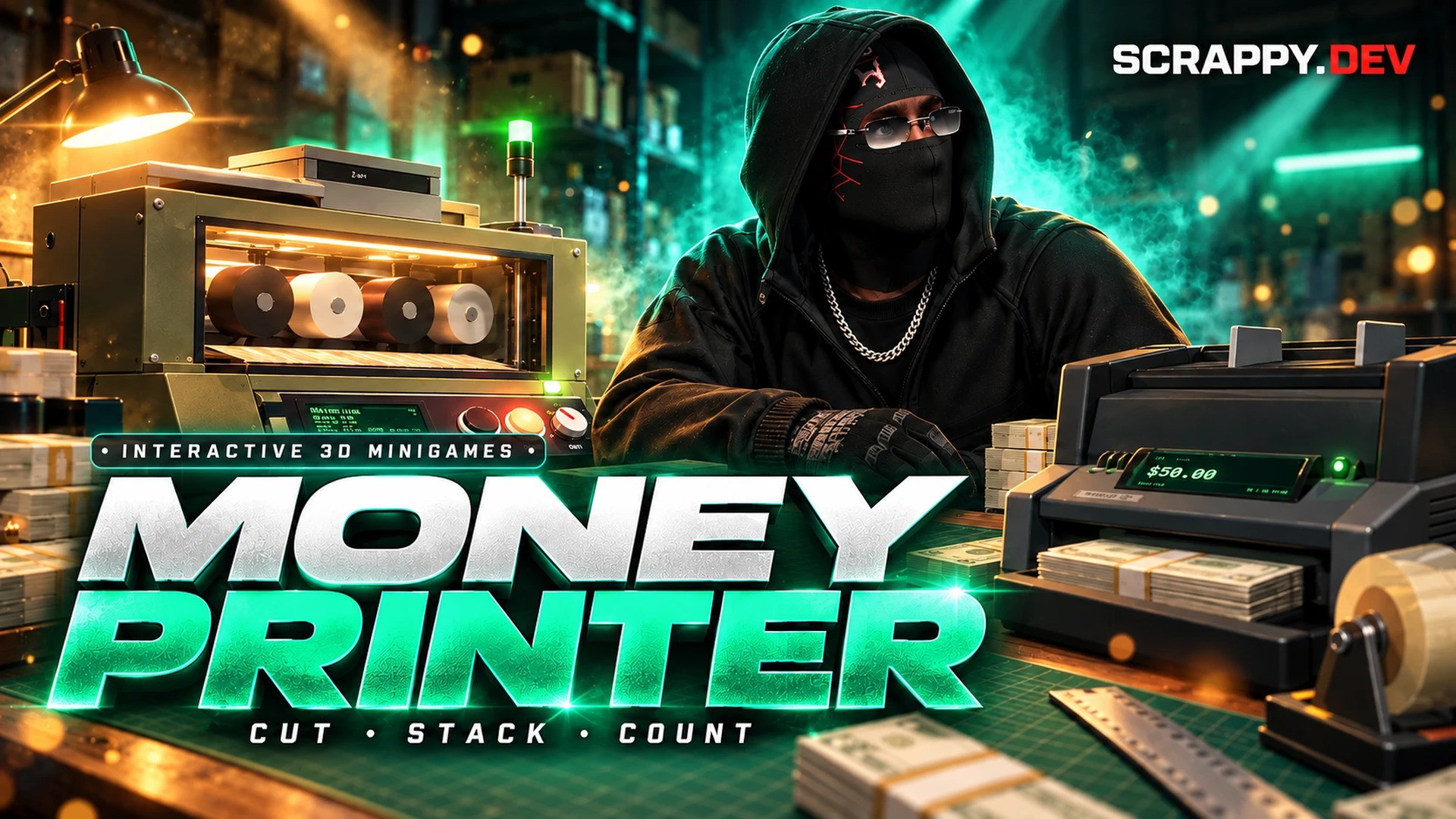
Money Printer: interactive 3D minigames for FiveM
A hands-on money workshop. Print sheets of notes, cut them along a guided path, stack, count, check under UV, strap, stamp and seal every lot, then get paid. Every step is a real 3D minigame played with your mouse.
Video: (put your YouTube link here)
The workflow
- Print: load paper and ink, choose the batch size, run the press (jams can happen)
- Cut: guided mouse cuts, every cut is graded for precision
- Stack: sweep the notes into neat stacks
- Count: feed the high-speed counter and watch the live total
- UV check, align, strap, stamp, seal: finish the lot at the table
- Get paid: result scored on precision, paid once, server-side
Features
- 9 interactive 3D steps with procedural sound (player volume slider and mute)
- Server-side validation: payouts are computed and paid once per batch, no replays
- Configurable economy: 5 to 200 notes per sheet, any note value, difficulty, speed
- Printer upgrade kits (speed tiers, 1.5x and 2.25x by default) installed from the printer console
- Persistent machines: positions, stock, batches and progress survive restarts
- Quality presets (Auto / Low / Medium / High)
- Config file with plain-language checks and an in-console health report (moneyworkshop_check)
- FR / EN locales and documentation
Requirements
- ox_lib, oxmysql and OneSync
- bzzz_money (the money props pack by BzZz): sold separately and not included. Get it here: https://bzzz.tebex.io/package/7390529. Install it and start it before this resource.
Compatibility
- Frameworks: QBCore, Qbox, ESX, standalone or custom bridge
- Inventories: ox_inventory, qb-inventory, ESX inventory, custom or none (SQL ledger)
- Interactions: ox_target, qb-target or marker + key
Installation
- Install ox_lib, oxmysql and bzzz_money, enable OneSync
- Drop
scrappy_money into your resources and add the items from the install folder to your inventory - In server.cfg: ensure oxmysql, ox_lib, bzzz_money, scrappy_money
- Edit
config.lua (Part 1 is enough) and run moneyworkshop_check in the server console
Good to know
- Escrow protected.
config.lua, bridges, locales, install files and documentation stay editable. - Upgrade kits are not given for free: add them to your own shop, crafting or loot.
- Credits: the money props come from the BzZz pack (link above). They are not made by Scrappy.Dev.
Support
Questions or a bug? Open a ticket on the Scrappy.Dev Discord. Include your server console output and the result of moneyworkshop_check.